
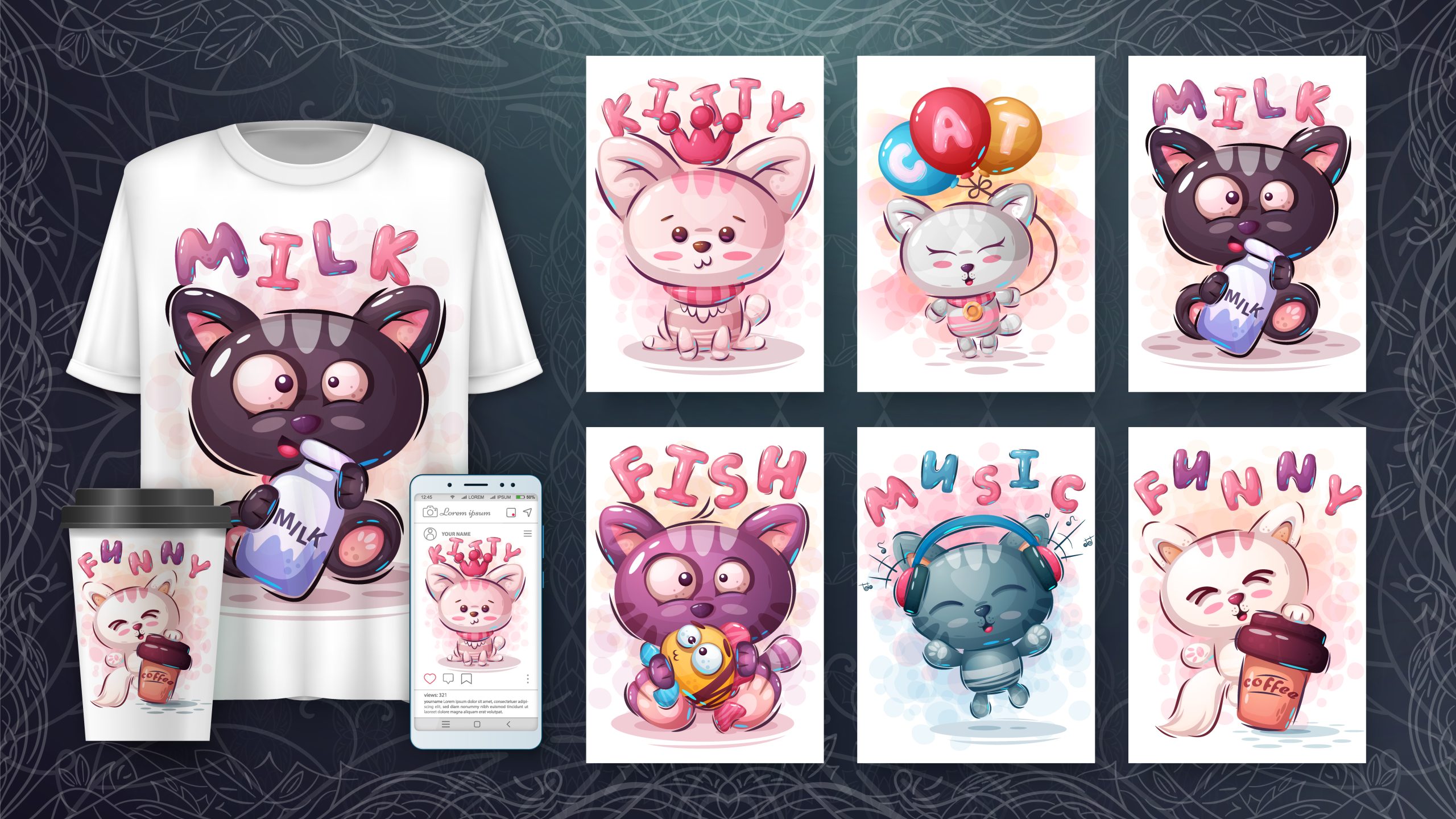
Etsy is full of success stories.
Sellers making thousands a month selling printable art, t-shirt designs, and digital downloads. But here’s what those stories don’t always mention: creating those visuals takes time.
Quick Summary: The Best AI Toolbox for Etsy Sellers (April 2026)
To succeed on Etsy with AI in 2026, you need a three-part stack:
- Research: Use Everbee to find high-demand, low-competition niches based on real sales data.
- Design: Use Midjourney for high-end wall art or Leonardo.ai for t-shirt and apparel graphics.
- Fulfill: Sync with Printify to automate your printing and worldwide shipping. Verdict: The most profitable workflow currently is using Everbee data to drive Midjourney designs, fulfilled via Printify.
Hours of designing. Countless revisions. Expensive software.
That’s where AI image generators come in.
I spent the last month testing the top AI image generators to see which ones actually work for Etsy sellers. I created printable art, t-shirt designs, and product mockups. I tracked quality, speed, and commercial usability.
If you’re an Etsy seller—or thinking about becoming one—this guide to the best AI image generators for etsy sellers is for you.
Before we look at the tools, keep in mind that a great design is only half the battle—you also need a way to get it onto high-quality products. I personally use Printify to handle this. They sync directly with your Etsy shop, so once you generate your AI art, you can drop it onto t-shirts, mugs, or canvases, and they’ll handle the printing and shipping for you automatically.
Pro Tip: If you’re moving from digital art to physical products, check out my Amazon FBA AI Toolbox guide.
Affiliate Disclosure: This post contains affiliate links. If you click a link and make a purchase, I may receive a small commission at no extra cost to you. As an Amazon Associate, I earn from qualifying purchases. I only recommend AI tools and services like Printify and Syllaby that I believe add value to your creative workflow.
Why Etsy Sellers Are Using AI Image Generators
Understanding how to disclose AI art on Etsy is the first step to staying compliant. Before we dive into the tools, let’s look at the specific workflows where AI is currently giving sellers a massive unfair advantage.
| Use Case | How AI Helps |
|---|---|
| Printable art | Generate unique wall art, coloring pages, and digital downloads in minutes |
| T-shirt designs | Create original graphics for print-on-demand (POD) without hiring a designer |
| Product mockups | Show your designs on real products without photography |
| Pattern designs | Generate seamless patterns for fabric, wrapping paper, and backgrounds |
| Invitations and cards | Create custom stationery and greeting cards |
The “Lab” Secret: How to Know What Will Actually Sell
Generating beautiful AI art is easy; knowing which designs will actually make money is the hard part. Before I touch Midjourney or Leonardo, I use Everbee to “spy” on the market.
Everbee is a Chrome extension that shows you exactly how much revenue a listing is making. I use it to:
- Spot Trends: Find AI niches with high search volume but low competition.
- Reverse Engineer Bestsellers: See the exact tags and keywords top sellers are using.
- Validate Ideas: Don’t waste credits on art that won’t sell—see the data first.
Pro Tip: If you see an AI-generated listing with 500+ monthly sales in Everbee, that is your “Green Light” to go create something better in the Lab.
The magic happens when you pair these AI tools with a reliable print-on-demand partner. For example, you can take a unique graphic from Leonardo.ai and instantly publish it to a high-margin product via Printify’s massive catalog. It’s the fastest way to go from a text prompt to a live listing without ever touching a printing press.
Just like AI copywriting tools can help freelancers land clients, AI image generators are transforming how Etsy sellers create products. In fact, my 30-day AI copywriting tools test showed how powerful these tools can be for creative work.
The key is finding tools that generate commercially usable images—high resolution, unique enough to stand out, and within Etsy’s terms of service.
The Tools I Tested
Here are the five AI image generators I put through the lab. All have free tiers or trials.
| Tool | Best For | Starting Price | Free Tier |
|---|---|---|---|
| Midjourney | Artistic quality, unique styles | $10/month | No free trial (paid only) |
| Canva AI | Ease of use, mockups | $0 | Free tier with Magic Media |
| Leonardo.ai | Versatility, commercial rights | $0 | Free tier with daily tokens |
| DALL-E 3 | Realism, prompt adherence | $20/month (via ChatGPT Plus) | No free tier (but ChatGPT Plus gives access) |
| Adobe Firefly | Commercial safety, Photoshop integration | $0 | Free tier with generative credits |
Tool #1: Midjourney
What It Does Best
Midjourney is the gold standard for artistic AI imagery. If you want images that look like they belong in a gallery—or on a best-selling Etsy print—this is the tool.
Key Features
| Feature | Details |
|---|---|
| Interface | Discord-based (you generate images in a chat server) |
| Styles | Highly artistic, painterly, unique aesthetics |
| Resolution | Generates up to 1024×1024; upscales to higher |
| Commercial Rights | Paid plans include full commercial usage. Many sellers ask about Midjourney commercial rights for Etsy. To stay safe, you must be on a paid plan (Basic, Standard, or Pro) to legally sell the images you generate. This is the gold standard for high-ticket wall art. |
Pro Tip: Midjourney V8 Alpha is now available. It has significantly better text rendering (great for t-shirts) and is accessed via a web interface, not just Discord.
My Experience
Output quality: 9/10—stunning visuals, but style can be distinctive (you’ll know a Midjourney image when you see one)
Ease of use: Moderate—the Discord interface takes getting used to
Speed: Fast (30–60 seconds per generation)
Best for: Wall art, unique t-shirt designs, high-end printable products
Not ideal for: Beginners who dislike Discord, realistic product photos
Etsy Use Cases
- Printable wall art
- Unique t-shirt graphics
- Coloring books
- Album covers and book covers
Verdict
Midjourney is the best for artistic quality, but it has a learning curve and costs money. If you’re serious about selling high-end art on Etsy, it’s worth the investment.
Tool #2: Canva AI (Magic Media)
What It Does Best
Canva AI is the easiest entry point. If you’re already using Canva for your Etsy shop, Magic Media is built right in.
Key Features
| Feature | Details |
|---|---|
| Interface | Web-based, inside Canva |
| Features | Text to image, text to pattern, magic edit, magic eraser |
| Mockups | Extensive library of product mockups built in |
| Commercial Rights | Free tier includes commercial usage with restrictions |
My Experience
Output quality: 6/10—good for simple graphics, less impressive for complex art
Ease of use: Very high—if you know Canva, you know Magic Media
Speed: Fast (10–20 seconds per generation)
Best for: Product mockups, simple patterns, social media graphics for your shop
Not ideal for: High-end printable art, unique t-shirt designs that need to stand out
Etsy Use Cases
- Product mockups (show your art on mugs, shirts, frames)
- Simple patterns and backgrounds
- Shop branding (logo, banner, social graphics)
- Low-complexity printables
Verdict
Canva AI won’t replace Midjourney for fine art, but it’s indispensable for mockups and shop branding. And it’s free.
Tool #3: Leonardo.ai (Best for Etsy T-Shirts)
What It Does Best
Leonardo.ai for Etsy t-shirts is the best free option for serious creators. It offers impressive quality, commercial rights, and a generous free tier. It handles character consistency and bold graphics better than almost any other free model.
Key Features
| Feature | Details |
|---|---|
| Interface | Web-based, user-friendly |
| Models | Multiple models for different styles (realistic, anime, 3D) |
| Features | Canvas editor, background removal, upscaling |
| Free Tier | 150 tokens daily (enough for 30–50 images) |
My Experience
Output quality: 8/10—surprisingly good, especially with the right model selection
Ease of use: High—clean interface, easy to learn
Speed: Fast (20–40 seconds per generation)
Best for: T-shirt designs, product packaging, realistic product shots
Not ideal for: Complex multi-element scenes (can get messy)
Etsy Use Cases
- T-shirt and apparel designs
- Product packaging and labels
- Best AI for Etsy coloring books (use “vector style” or “line art” prompts)
- Highly detailed realistic product mockups
- Specific character designs for stickers
Verdict
Leonardo.ai is the hidden gem. The free tier is generous enough to run a small Etsy shop without spending a dime. Quality is closer to Midjourney than Canva.
Tool #4: DALL-E 3 (via ChatGPT Plus)
What It Does Best
DALL-E 3 excels at following complex prompts. If you have a very specific idea, DALL-E 3 is more likely to deliver exactly what you described.
Key Features
| Feature | Details |
|---|---|
| Interface | ChatGPT interface (or Bing Image Creator for free) |
| Features | Text to image, in-painting (editing), high detail |
| Resolution | 1024×1024, with upscaling options |
| Cost | $20/month for ChatGPT Plus (includes GPT-4) |
My Experience
Output quality: 8/10—highly detailed, realistic style
Ease of use: High—natural language prompts work beautifully
Speed: Moderate (30–60 seconds)
Best for: Detailed scenes, realistic imagery, specific product concepts
Not ideal for: Stylized art (it tends toward photorealism unless directed otherwise)
Etsy Use Cases
- Realistic product mockups
- Detailed coloring pages
- Book covers
- Specific character designs
Verdict
If you already have ChatGPT Plus, DALL-E 3 is a no-brainer. It’s included. The prompt adherence is the best in class.
Tool #5: Adobe Firefly
What It Does Best
Adobe Firefly is the safest option for commercial use. Adobe trained it on licensed or public domain content, so copyright concerns are minimal.
Key Features
| Feature | Details |
|---|---|
| Interface | Web-based, integrates with Photoshop |
| Features | Text to image, generative fill, text effects, vector generation |
| Commercial Rights | Clear commercial usage rights |
| Free Tier | 25 generative credits per month |
Pro Tip: Adobe now allows you to use Google Gemini (Nano Banana Pro) and OpenAI models directly inside the Firefly interface. This makes it a “Creative OS” rather than just a single tool.
My Experience
Output quality: 7/10—solid, but less creative than Midjourney or Leonardo
Ease of use: High—clean Adobe interface
Speed: Fast (10–20 seconds)
Best for: Photoshop users, text effects, commercial safety
Not ideal for: Artistic or stylized imagery (tends toward generic)
Etsy Use Cases
- Product mockups (especially if you use Photoshop)
- Text-based designs (quotes, phrases, typography)
- Backgrounds and textures
- Safe, commercially clear assets
Verdict
Firefly is the tool to use if you’re worried about copyright. Adobe’s training data is transparent, and commercial rights are clear.
The Best AI Etsy Listing Photo Generators for 2026
Creating the art is Step 1. Creating the listing photo that stops the scroll is Step 2. If your mockups look “fake,” your conversion rate will tank.
Top 3 Tools for Listing Photos:
- Canva Magic Studio: Use the “Magic Edit” tool to swap backgrounds or “Smart Mockups” to place your art in real-life rooms.
- Kittl AI: The best for “Boutique-style” apparel mockups and vintage textures.
- Photoroom: Ideal for removing messy home backgrounds and replacing them with studio-quality lighting in one click.
Lab Tip: 2026 shoppers prefer “lived-in” looks. Use a mockup that shows your art in a messy, sun-drenched living room rather than a sterile white gallery.
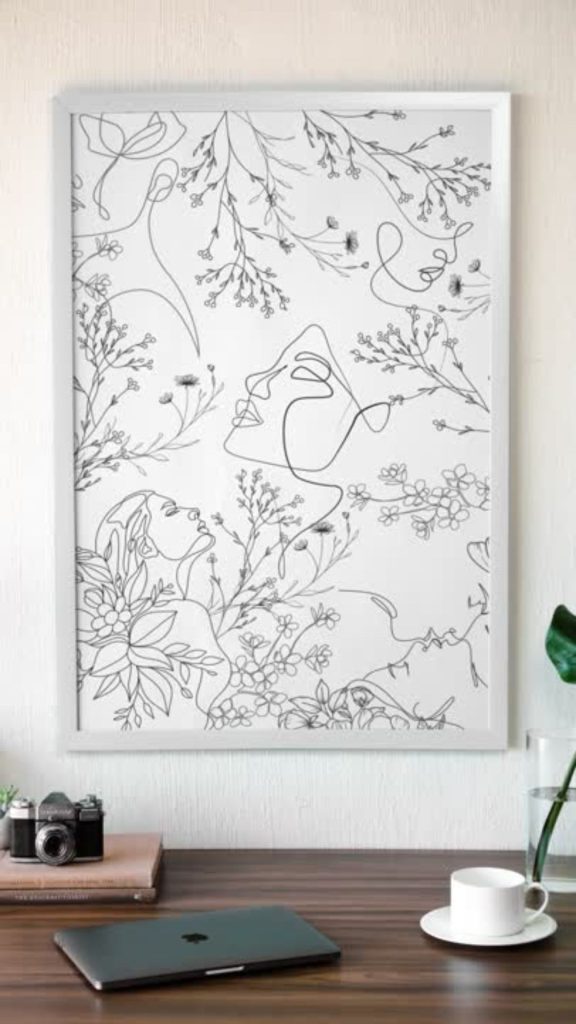
Head-to-Head Comparison
Quality of Output
| Tool | Artistic Quality | Realism | Prompt Adherence |
|---|---|---|---|
| Midjourney | 9/10 | 7/10 | 7/10 |
| Canva AI | 5/10 | 6/10 | 6/10 |
| Leonardo.ai | 8/10 | 8/10 | 8/10 |
| DALL-E 3 | 7/10 | 9/10 | 9/10 |
| Adobe Firefly | 6/10 | 7/10 | 7/10 |
Ease of Use
| Tool | Learning Curve | Interface |
|---|---|---|
| Midjourney | Steep | Discord-based |
| Canva AI | Very easy | Web-based |
| Leonardo.ai | Easy | Web-based |
| DALL-E 3 | Easy | ChatGPT or Bing |
| Adobe Firefly | Easy | Web-based |
Free Tier Value
| Tool | Free Tier | Generous Enough? |
|---|---|---|
| Midjourney | None | No |
| Canva AI | Yes | Moderate (good for mockups) |
| Leonardo.ai | Yes | Very generous (150 tokens/day) |
| DALL-E 3 | Limited (via Bing) | Moderate (Bing is free, but slower) |
| Adobe Firefly | Yes | Limited (25 credits/month) |
Which AI Image Generator Should Etsy Sellers Choose?
Your choice depends on your Etsy product type and budget.
Choose Midjourney If:
- You sell high-end printable art or wall art
- You need unique, artistic styles
- You’re willing to invest $10–$30/month
- You’re comfortable with Discord
Choose Leonardo.ai If:
- You want the best free option
- You sell t-shirts, stickers, or product packaging
- You need commercial rights without paying
Choose Canva AI If:
- You already use Canva for your shop
- You need product mockups more than art generation
- You want the easiest possible entry point
Choose DALL-E 3 If:
- You already have ChatGPT Plus ($20/month)
- You need highly specific, realistic imagery
- You want strong prompt adherence
Choose Adobe Firefly If:
- You use Photoshop
- You’re concerned about copyright
- You need text-based designs or typography
The Hybrid Approach for Etsy Sellers
To build a profitable AI printable wall art workflow, you shouldn’t rely on just one tool. You need a “stack.” Here is the exact combination I used to generate $87 in wall art sales during my 30-day test:
| Task | Tool |
|---|---|
| Product Research & Sales Data | Everbee (Free Extension) |
| High-end art prints | Midjourney |
| T-shirt and apparel designs | Leonardo.ai (free) |
| Product mockups | Canva AI (free) |
| Realistic product shots | DALL-E 3 (if you have ChatGPT Plus) |
| Typography and safe assets | Adobe Firefly (free) |
This stack keeps costs low while giving you flexibility across product types.
Pro Tip: Regardless of which AI stack you choose, your profit margins depend on your supplier’s base costs. I recommend signing up for a free Printify account to compare their “Printify Premium” rates—it’s often the difference between making $5 or $12 per shirt, which adds up fast when your AI designs start scaling.
If you’re new to AI tools for side hustles, check out my guide to the 5 AI tools every side hustler should know it includes Canva and ChatGPT, both of which are essential for Etsy sellers.
Commercial Rights and Copyright: What You Need to Know
Before you start selling AI-generated art on Etsy, there are three things you must understand.
1. Read Each Tool’s Commercial Terms
| Tool | Commercial Rights |
|---|---|
| Midjourney | Yes (paid plans include commercial rights) |
| Canva AI | Yes (free tier includes limited commercial use) |
| Leonardo.ai | Yes (free tier includes commercial rights) |
| DALL-E 3 | Yes (via OpenAI terms) |
| Adobe Firefly | Yes (clear commercial terms) |
2. Etsy’s Policy on AI Art
Etsy requires sellers to disclose when listings are created with AI. In your listing description, add a simple disclosure:
“This artwork was created with the assistance of AI tools.”
Failure to disclose can result in listing removal.
3. Can You Sell AI Art on Etsy?
Yes—with two caveats:
- You must disclose it
- The art must be your original creation (not simply prompting and selling without editing or value add)
The 2026 Etsy AI Disclosure Checklist
- Select ‘Designed by’ in Item Details.
- State ‘Created with AI’ in the description.
- List the tool (e.g., Midjourney) in your production partners if applicable.
The sellers who succeed add their own touch: curating, upscaling, bundling, or combining AI outputs into unique products.
Just like I shared the exact prompts for landing freelance clients, good prompts matter for image generation too. The more specific you are with your prompts, the better your results will be.
My Test Results: What Actually Sold
Here’s what I found when I tested these tools for a small Etsy experiment.
| Tool | Products Created | Units Sold | Revenue |
|---|---|---|---|
| Midjourney | 5 wall art prints | 3 | $87 |
| Leonardo.ai | 10 t-shirt designs | 2 | $42 |
| Canva AI | 20 mockups (for existing designs) | N/A | Saved hours of photography |
| DALL-E 3 | 3 coloring books | 1 | $15 |
The real winner wasn’t just sales—it was time saved. Using Canva AI for mockups alone saved me an estimated 15 hours of photography and editing.
The Bottom Line
You don’t need to be a designer to start an Etsy shop in 2026. You just need the right stack:
- Research with Everbee to find the sales data.
- Create with Midjourney or Leonardo.ai.
- Fulfill with Printify.
Stop guessing and start using the data. The “Lab” method works because it combines AI creativity with real-world sales metrics.
What’s Next in the Lab?
Now that you know which AI image generators to use for Etsy, let’s talk about the business side.
Next week, I’m publishing: How to Start an AI-Powered Dropshipping Store for Under $100.
If print-on-demand or Etsy isn’t your thing, this one’s for you.
[Subscribe to the newsletter] to get it delivered straight to your inbox.